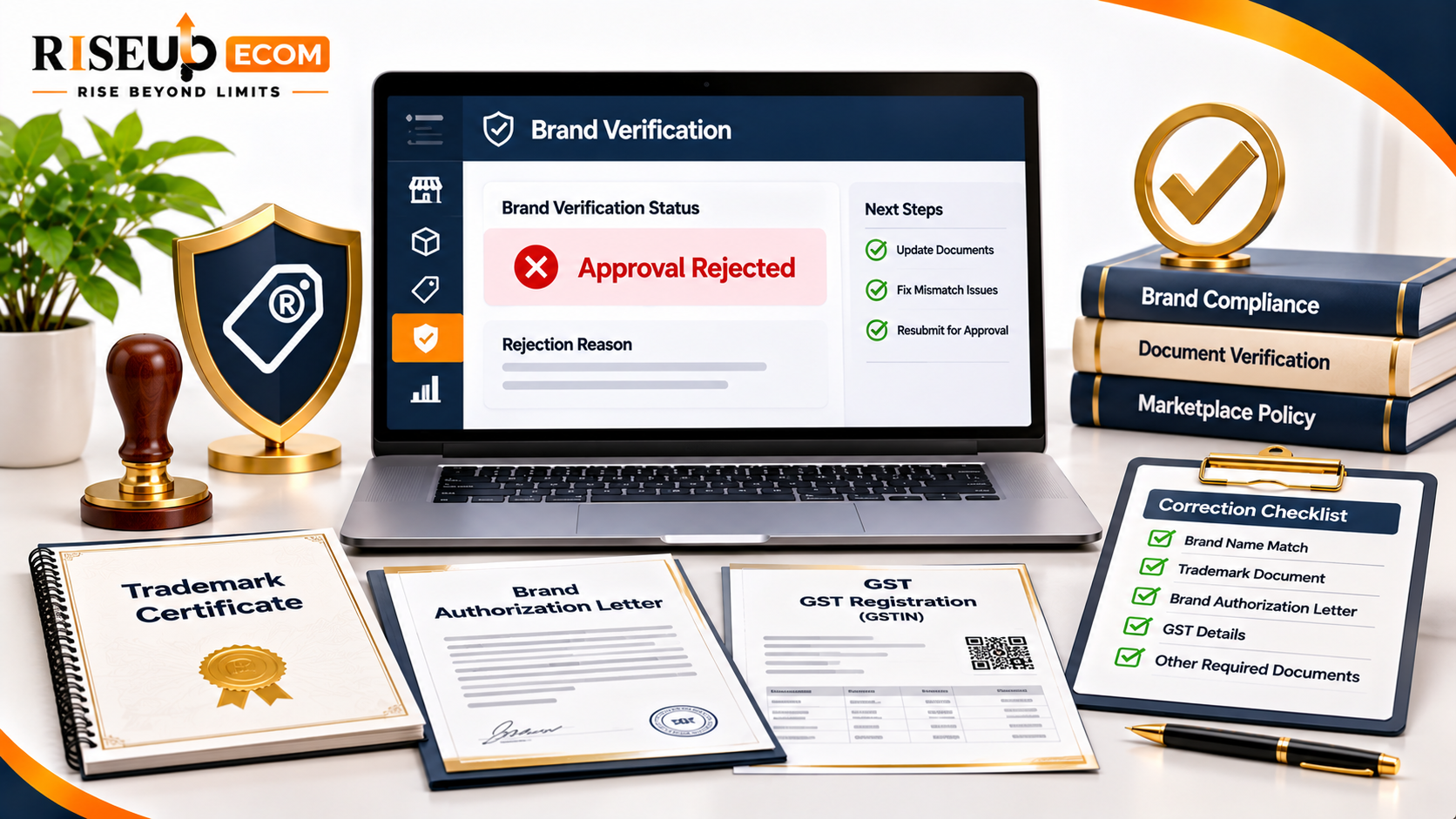
AJIO Brand Approval Rejected? Common Reasons & Fixes
AJIO brand approval rejected? If your brand registration application on AJIO has been rejected, the issue may be related to trademark documents, brand authorization, incorrect business details, or incomplete verification. Understanding the rejection reason is the first step toward correcting your application and moving forward with AJIO seller onboarding.
If your AJIO brand approval is rejected, the first thing you should do is identify the exact reason instead of submitting the same application repeatedly. A rejection does not always mean your brand is permanently ineligible. In many cases, correcting the documents, clarifying ownership, or providing the required authorization can help you move forward.
In this guide, we explain the common reasons for AJIO brand approval rejection, how to fix each problem, what documents to prepare, and how to avoid unnecessary delays when applying again.
Why Does AJIO Brand Approval Get Rejected?
AJIO verifies brands and sellers to ensure that businesses have the necessary rights to sell their products and that the information submitted during onboarding is accurate.
Brand approval issues commonly arise when:
- Trademark or brand ownership details cannot be verified.
- The seller does not have valid authorization to sell the brand.
- Documents are missing, incomplete, or unclear.
- Brand names differ across the submitted documents.
- Business details are inconsistent.
- Product or brand information is insufficient for verification.
- The submitted application does not meet the applicable onboarding requirements.
The rejection reason may not always explain the entire problem. Sellers should carefully review the feedback, check the documents submitted earlier, and determine what needs to be corrected before contacting the onboarding team or resubmitting.
7 Common Reasons for AJIO Brand Approval Rejection and Their Fixes
1. Missing or Invalid Trademark Certificate
One of the common issues during brand verification is the absence of acceptable proof of brand ownership or brand rights.
If you are selling your own brand, AJIO may ask for trademark-related documentation to establish the brand's ownership and identity. If the submitted trademark document is incomplete, unclear, invalid for the submitted brand, or does not adequately support your application, approval may be delayed or rejected.
Common problems include:
- Trademark certificate not submitted.
- Trademark document is unreadable.
- Trademark name differs from the brand submitted.
- Trademark details are incorrect.
- The applicant cannot establish the required rights to the brand.
How to fix it:
- Obtain the appropriate trademark documentation for your brand.
- Check that the brand name matches the submitted application.
- Submit a clear and readable document.
- Verify that the applicant or brand owner details are correct.
- If the trademark belongs to another entity, provide supporting ownership or authorization documents as applicable.
Do not assume that simply having a trademark application number is sufficient for every marketplace review. Confirm which trademark documents AJIO currently accepts for your application.
2. Brand Authorization Letter Is Missing or Incorrect
If you are a distributor, reseller, wholesaler, or retailer applying to sell another company's products, you may need a brand authorization letter from the brand owner.
An authorization letter helps establish that you have permission to sell products under that brand. If the document is missing, incomplete, or does not clearly establish the relationship between the brand owner and your business, your application may not pass verification.
Common authorization letter mistakes:
- Authorization letter is not provided.
- Seller's legal name is missing.
- Brand name is mentioned incorrectly.
- The authorization does not clearly grant selling rights.
- The document does not contain the required signatory details.
- The letter is outdated or does not cover the intended business relationship.
How to fix it:
Ask the brand owner to issue a proper authorization letter containing:
- Brand owner's legal business name.
- Authorized seller's legal business name.
- Brand name.
- Clear statement of authorization to sell or distribute the brand's products.
- Relevant authorization scope, where required.
- Issuing person's name and designation.
- Signature and company details.
- Date of issue.
Use the official company letterhead wherever possible and follow any specific format or instructions provided by AJIO.
3. Brand Name Mismatch Across Documents
A brand name mismatch can make it difficult for the verification team to confirm that the documents belong to the brand submitted for approval.
For example, your application may mention Urban Thread, while your trademark certificate says Urban Threads, your product packaging says Urban Threadz, and your authorization letter refers to a different spelling.
Even small differences may require clarification.
How to fix it:
- Confirm the exact brand name you want to register.
- Match it with your trademark or authorization documentation.
- Check the brand name on product packaging and labels.
- Avoid unnecessary abbreviations or alternate spellings.
- If the brand has undergone a name change, provide supporting documentation.
- Explain any legitimate variation in spelling or naming through supporting documents if requested.
Before submitting, review the brand name across all documents, product images, labels, and application fields.
4. Incomplete or Incorrect Business Documents
AJIO seller onboarding may involve verification of business, tax, banking, and contact information. Incorrect or incomplete details can create problems during the review process.
Documents that may be requested during onboarding include:
- PAN card
- GST registration certificate
- Bank account details
- Cancelled cheque
- Business registration details
- Trademark certificate or brand authorization
- Contact information
- Other documents required for your business type
The exact document requirements can vary depending on your business structure and onboarding requirements.
Common errors:
- Incorrect PAN details.
- GST information that does not match the submitted business.
- Incorrect legal business name.
- Incomplete registration details.
- Bank account details submitted incorrectly.
- Missing supporting documents.
How to fix it:
Review your documents before submitting them. Ensure that the business name, PAN, GST details, bank information, and address are accurate wherever applicable.
If you operate as a proprietorship, partnership, LLP, or private limited company, submit the relevant documents for your business structure rather than using documents that belong to another entity.
5. Poor-Quality or Incomplete Brand Information
Brand approval is not always limited to checking documents. Depending on the onboarding review, your brand information and product presentation may also need clarification.
A brand application with little information about its products, inconsistent branding, or incomplete product details may require additional review.
Possible problems include:
- No clear product category.
- Limited product information.
- Poor-quality product images.
- Inconsistent logo or branding.
- No clear explanation of the brand's product range.
- Brand details that do not match the products being submitted.
How to fix it:
Prepare a professional brand profile before applying.
Include:
- Brand name and logo.
- Product category.
- Product range.
- Brand introduction.
- Product images.
- Product catalogue or line sheet, if requested.
- Basic product specifications.
- Website or social media details, if available and relevant.
A well-organized brand profile makes it easier to understand what your brand sells and how it is positioned.
6. Incorrect Applicant or Brand Ownership Details
Sometimes the seller applying for brand approval is not the same entity mentioned in the trademark documents, invoices, or authorization letter.
For example, a trademark may belong to one company, while the AJIO application is submitted under another business. This may be a legitimate business arrangement, but the relationship must be supported by appropriate documents.
How to fix it:
- Identify the actual trademark owner.
- Confirm the business applying for AJIO onboarding.
- Provide an authorization letter if the applicant is not the brand owner.
- Ensure the authorization clearly identifies both entities.
- Submit supporting documents that establish the relationship, if requested.
Do not use another company's trademark documents without permission or attempt to present a brand as your own when you do not own it.
7. Incorrect or Incomplete Application Submission
Even when your documents are correct, mistakes in the application itself can create unnecessary verification issues.
For example, you may enter an incorrect brand name, select the wrong category, upload the wrong file, or leave required fields incomplete.
How to fix it:
Before submitting your application:
- Check every field.
- Confirm the selected product category.
- Verify the spelling of the brand name.
- Upload the correct document in the requested format.
- Ensure all attachments are readable.
- Check that contact details are active.
- Review the application once before final submission.
A careful final review can help prevent avoidable errors.