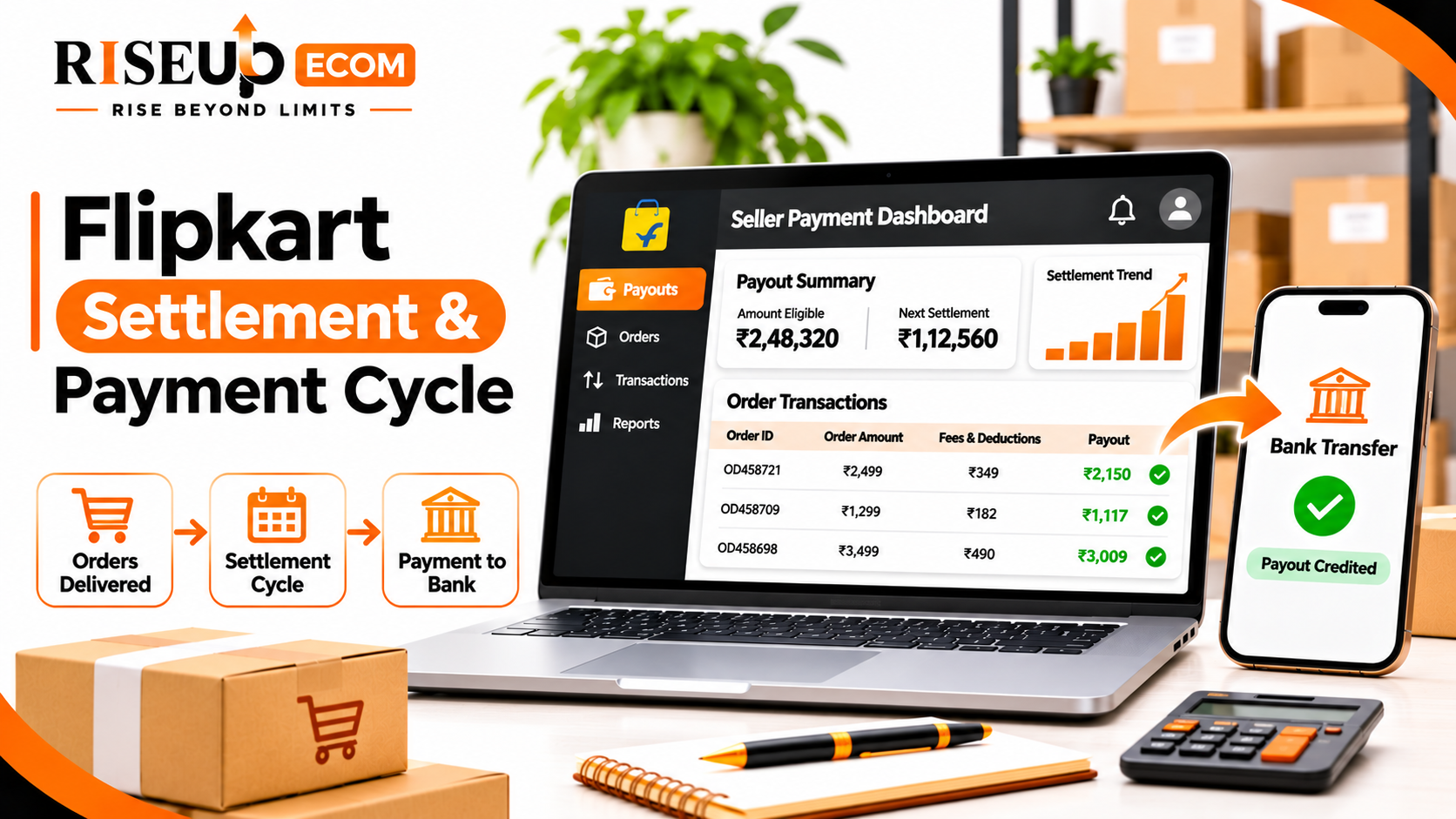
What Are the Charges Deducted from Flipkart Seller Payments?
The amount credited to your bank account may be lower than the product's selling price because of marketplace fees and applicable deductions.
Common components include:
1. Commission fee: A marketplace charge that generally depends on the product category and applicable commercial terms.
2. Fixed fee: A fixed charge that may apply to an eligible transaction.
3. Collection fee: A payment collection-related charge, depending on the applicable fee structure.
4. Shipping charges: Logistics costs that may depend on shipment weight, dimensions, delivery location and fulfilment arrangement.
5. GST on marketplace fees: GST may apply to marketplace services and fees. Review the relevant invoices for accounting purposes.
6. TCS and TDS: These are statutory tax-related deductions or collections. They are different from ordinary marketplace service fees and should be reconciled with the relevant tax records.
7. Return and other adjustments: Returns, cancellations, reverse logistics and other applicable adjustments can affect the final payable amount.
Always check your current Flipkart seller rate card and order-level settlement details. Charges can vary, so avoid using a single fixed deduction percentage for every product.
How to Calculate Your Flipkart Settlement Amount
A basic way to understand your payout is to subtract applicable marketplace fees, taxes and adjustments from the eligible order value.
For example:
ParticularsIllustrative amountEligible order value₹1,000Commission fee₹100Fixed fee₹30Collection fee₹15Shipping charge₹60GST on applicable fees₹36.90Other applicable deductions₹5Estimated net payout₹753.10
Note: These are hypothetical figures for explanation only, not official Flipkart fee rates.
The general formula is:
Net Settlement = Eligible Order Value − Marketplace Fees − Applicable Taxes and Deductions ± Adjustments
This calculation helps sellers understand why sales revenue and actual bank credits are different.
How to Check Flipkart Seller Payment Status
You can check your payment and settlement information through the official Flipkart Seller Hub.
Follow these steps:
- Visit Flipkart Seller Hub.
- Log in using your registered seller credentials.
- Open the payment or settlement-related section available in your account.
- Select the relevant payment period or transaction.
- Review the available settlement details.
- Match the payment information with your bank statement.
While checking a settlement, pay attention to order IDs, settlement references, deductions, net payable amounts and payment status.
The exact dashboard menu names may change, so use the latest options available in your account.
Why Is My Flipkart Seller Payment Delayed?
Sometimes sellers notice that an expected payment has not reached their bank account. Before raising a complaint, check these common reasons:
- Payment schedule: Your seller tier may have a different settlement timeline.
- Order status: The order may not have reached the applicable payment stage.
- Returns or cancellations: These can create adjustments in settlement calculations.
- Account-related issues: Notices or payment reviews may affect processing.
- Bank details: Incorrect or outdated registered bank information can cause problems.
- Bank processing: A payment may have been initiated but may not yet appear in your account.
If the payment remains unexplained, raise a support request through Seller Hub with the relevant order IDs, settlement references and supporting details.
How Can Flipkart Sellers Manage Payments Better?
Good payment tracking helps sellers maintain working capital and avoid confusion about their actual earnings.
Follow these practices:
- Track every settlement: Maintain a record of order IDs, dispatch dates, payment references and bank credits.
- Reconcile reports monthly: Compare settlement reports with sales records and bank statements.
- Calculate product profitability: Include marketplace fees, shipping costs, taxes and return-related expenses when setting prices.
- Monitor returns: Identify products with repeated returns or cancellations and address the underlying issues.
- Maintain working capital: Keep sufficient funds for inventory, packaging, advertising and daily operations.
- Review Seller Hub regularly: Check payment updates, account notices and support responses.
Managing a Flipkart business involves more than receiving orders and tracking payments. Sellers also need to manage product listings, advertising, inventory, returns and account performance.
RiseUp Ecom provides Flipkart seller account management support, which can include:
- Product listing and catalogue optimization.
- Flipkart advertising management.
- Pricing and promotional strategy.
- Order and return monitoring.
- Account health assistance.
- Performance reporting and operational support.
Explore our Flipkart Seller Account Management Services to understand how professional marketplace support can help streamline your operations.
Frequently Asked Questions
1. How many days does Flipkart take to pay sellers?
Flipkart states that payments can reach sellers in as fast as seven days from dispatch. The actual schedule depends on the seller's tier and account-specific payment terms.
2. Does Flipkart deduct fees before making payment?
Yes. Applicable marketplace fees, logistics charges, taxes and other adjustments may be deducted before the net amount is transferred.
3. Where can I check my Flipkart settlement report?
Log in to the official Flipkart Seller Hub and review the payment or settlement-related reports available in your account.
4. Why is my Flipkart payment less than my sales amount?
The difference may include commission, fixed fees, collection charges, shipping costs, GST on marketplace fees, statutory deductions and return-related adjustments.
5. What should I do if my Flipkart payment is not received?
Check your payment schedule, order status, settlement details and registered bank account. If the issue remains unresolved, raise a support request through Seller Hub.
Conclusion
Understanding the Flipkart settlement cycle helps sellers track payments, calculate actual earnings and manage business cash flow more effectively. Regularly reviewing settlement reports, checking deductions and matching bank credits with order records can help identify payment discrepancies.
If you need support with Flipkart listings, advertising, account health and daily marketplace operations, connect with RiseUp Ecom.
Website: https://riseupecom.in/
Email: info@riseupecom.in
Phone: +91 85959 17298